The workflow system
for every team
Drop the files, get the finished work back.
What should we work on?
Working (0s)Working (28s)Working (1m 02s)Working (3m 43s)Working (6m 25s)Working (9m 06s)Working (11m 48s)Working (12m 37s)Working (12m 38s)Working (12m 42s)Working (12m 48s)Working (12m 53s)Working (12m 55s)Working (13m 24s)Working (14m 06s)Working (14m 47s) Worked for 15m 45s
1 file read, 1 file saved, 2 scripts run3 files read, 4 files saved, 3 scripts run4 files read, 5 files saved, 4 scripts run4 files read, 6 files saved, 6 scripts run
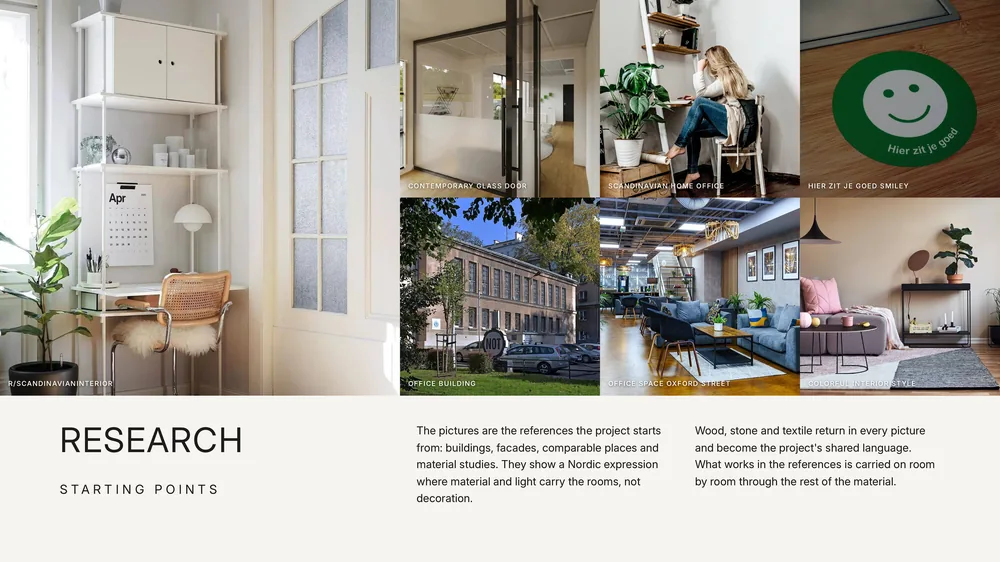
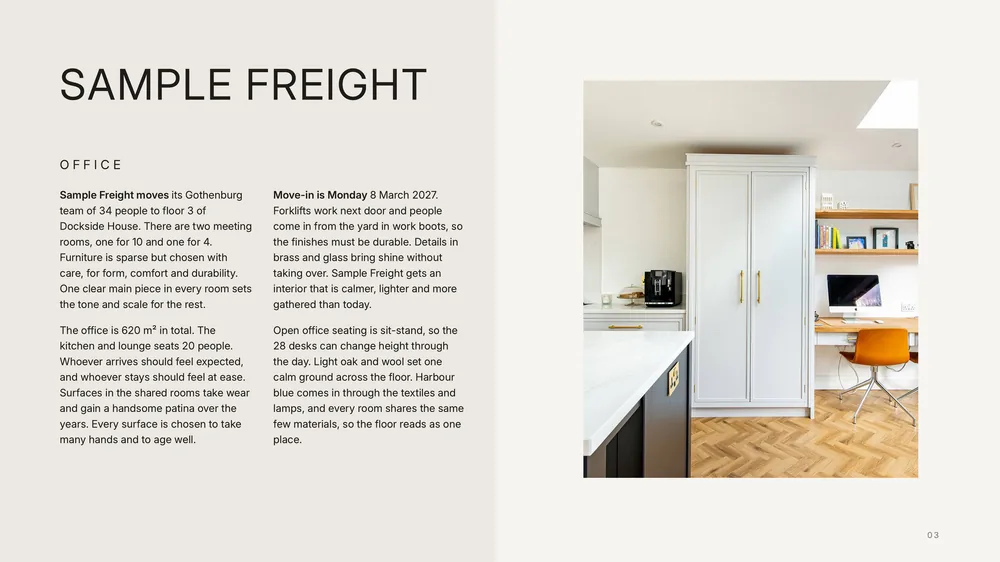
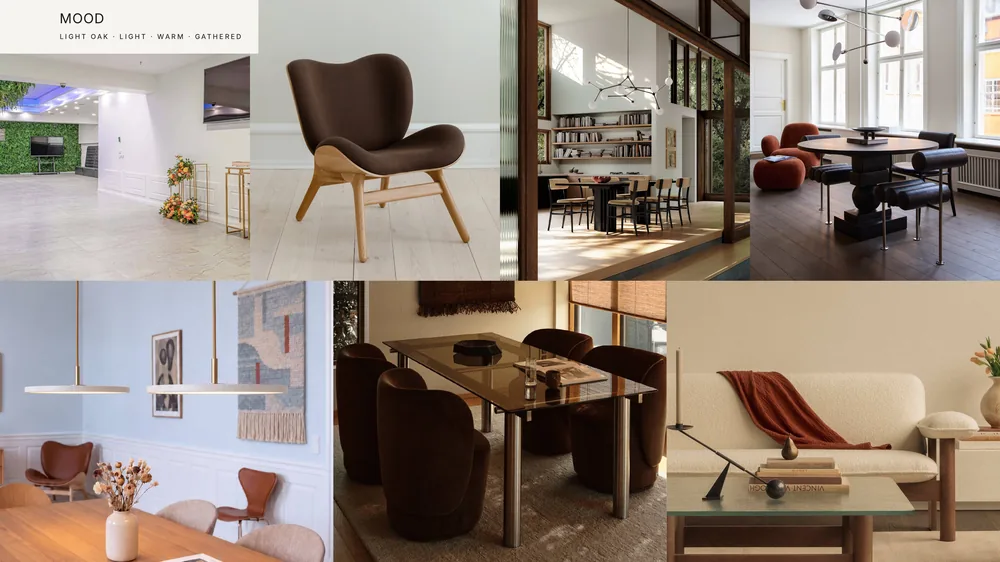
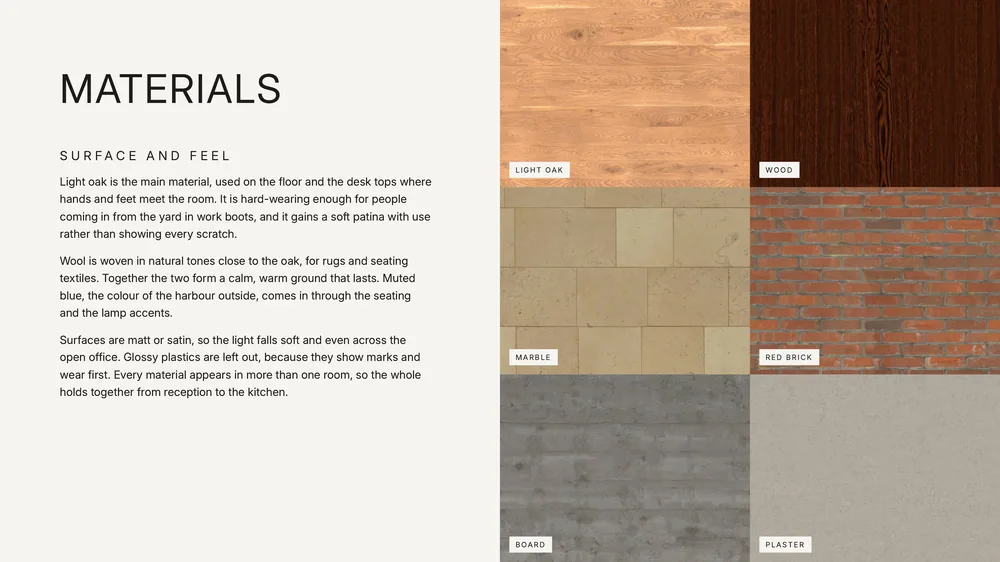
The office workflow is done: the concept deck, the FF&E schedule, the budget, the programme and 15 quote requests, all in the folder.
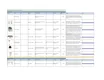 FF&E schedule Sample Freight office.xlsx XLSX Open
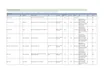 Budget Sample Freight office.xlsx XLSX Open
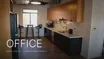 Sample Freight office concept.pdf PDF Open
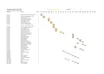 Programme Sample Freight office.xlsx XLSX Open
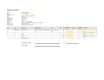 Request for quotation 101 Copenhagen - Sample Freight office.xlsx XLSX · Requests for quotation Sample Freight office Open
- Sample Freight office
- Concept deck Reading the drawingsFinding products · 1 of 46Finding products · 7 of 46Writing the textsChecking the pages
- FF&E schedule
- Budget
- Programme
- Requests for quotation
- Your files back 5 files back
You can do something else. We will tell you when it is done.
| A | B | C | D | E | F | G | H | I | J | |
|---|---|---|---|---|---|---|---|---|---|---|
| 1 | FF&E schedule Sample Freight office | |||||||||
| 2 | Area: Reception | |||||||||
| 3 | Image | Item | Qty | Supplier | Product / Finish | Size | Lead time | Price ex VAT (SEK) | Notes | Link |
| 4 | Reception desk | 1 | Built-in joinery, drawn to the concept | quote | Quantity 1: one built-in counter in the room. Drawn and quoted by a joiner, no product picture. Size and material come from the drawing and the concept. | |||||
| 5 | 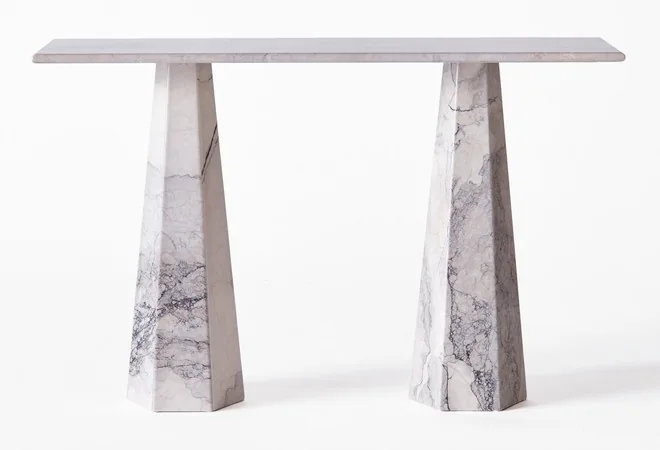 | RE-01 Console table | 1 | Dusty Deco | Model: Hexagon Console Table Albanian Grey | W 120 x D 40 x H 76 cm | approx. 10 weeks (assumed) | 28,000 | Quantity approx. (assumed): 1, as the concept shows the piece. The concept's own piece, from its own maker. Page price SEK 35,000 incl. VAT. | https://www.dustydeco.com/products/hexagon-console-table-albania-grey |
| 6 | 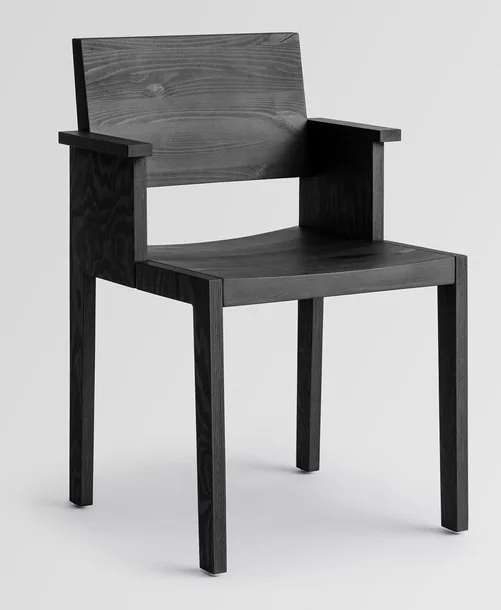 | RE-02 Armchair | 1 | Vaarnii | Model: 016 Maasto Dining Armchair Black Files | approx. 12 weeks (assumed) | quote | Quantity approx. (assumed): approx. 4 seats (by the brief), shared over 3 seating pieces. The concept's own piece, from its own maker. The page's price could not be read: ask the maker for a quote. Fabric is settled in the quote: ask the maker for Martindale and the fire class for public spaces. Alternative: Massproductions, Astro Armchair w Castors, SEK 14862 incl. VAT x 0.8 = SEK 11890 ex VAT, https://www.massproductions.se/products/astro-armchair-w-castors | https://www.vaarnii.com/products/016-maasto-dining-armchair-black-files | |
| 7 | 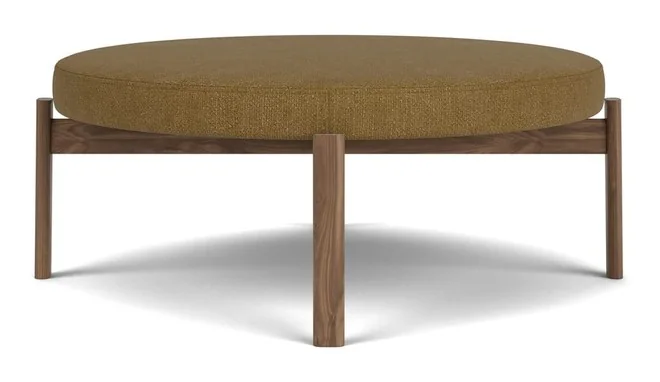 | RE-03 Pouf | 1 | Audo Copenhagen | Model: Passage Pouf | D 90 x Ø 98.5 x H 38 cm | approx. 12 weeks (assumed) | 14,740 | Quantity approx. (assumed): approx. 4 seats (by the brief), shared over 3 seating pieces. The concept's own piece, from its own maker. Page price from SEK 18,425 incl. VAT. Fabric: Martindale 100,000 by the maker's page, enough for public spaces (40,000); fire: the page states BS5852. | https://www.audocph.com/products/passage-pouf |
| 8 | 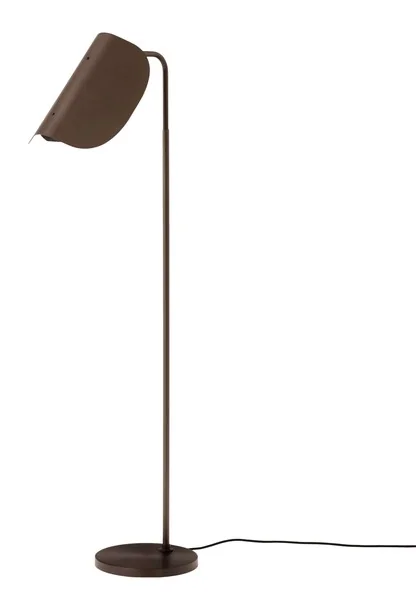 | RE-04 Floor lamp by the armchair | 1 | Audo Copenhagen | Model: Wing Floor Lamp | D 48 x Ø 27 x H 112.5 cm | approx. 12 weeks (assumed) | 6,122 | Quantity approx. (assumed): 1, as the concept shows the piece. The concept's own piece, from its own maker. Page price SEK 7,652 incl. VAT. | https://www.audocph.com/products/wing-floor-lamp |
| 9 | 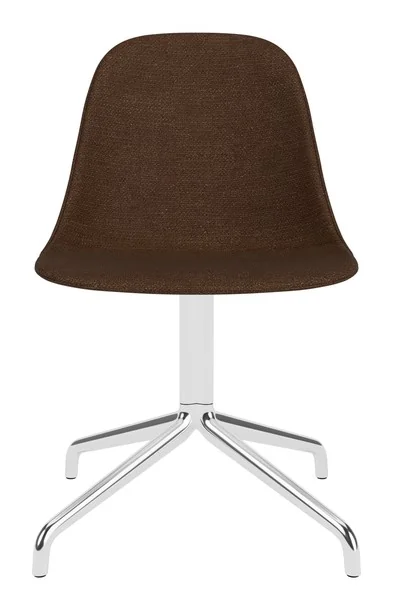 | RE-05 Chair | 1 | Audo Copenhagen | Model: Harbour Side Dining Chair, Polished Aluminium Star Base | W 50 x D 54 x H 82 cm, SH 48 | approx. 12 weeks (assumed) | 7,164 | Quantity approx. (assumed): approx. 4 seats (by the brief), shared over 3 seating pieces. The concept's own piece, from its own maker. Page price from SEK 8,955 incl. VAT. Fabric: Martindale 60,000 by the maker's page, enough for public spaces (40,000); fire: the page states BS5852. | https://www.audocph.com/products/harbour-side-dining-chair-chrome-star-base-upholstered |
| 10 | 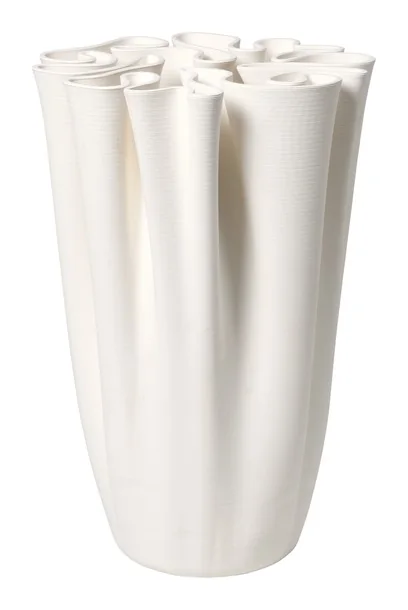 | RE-06 Vase | 1 | ferm LIVING | Model: Dedali Floor Vase - Off-White | W 36 x D 34.5 x H 50 cm | approx. 10 weeks (assumed) | 3,553 | Quantity approx. (assumed): 1, as the concept shows the piece. The concept's own piece, from its own maker. Page price EUR 399 incl. VAT, Riksbank rate SEK 11.1310 per euro (2026-10-23). | https://www.fermliving.com/products/dedali-floor-vase-h50-off-white |
| 11 | ||||||||||
| 12 | Area: Open office | |||||||||
| 13 | Image | Item | Qty | Supplier | Product / Finish | Size | Lead time | Price ex VAT (SEK) | Notes | Link |
| 14 | 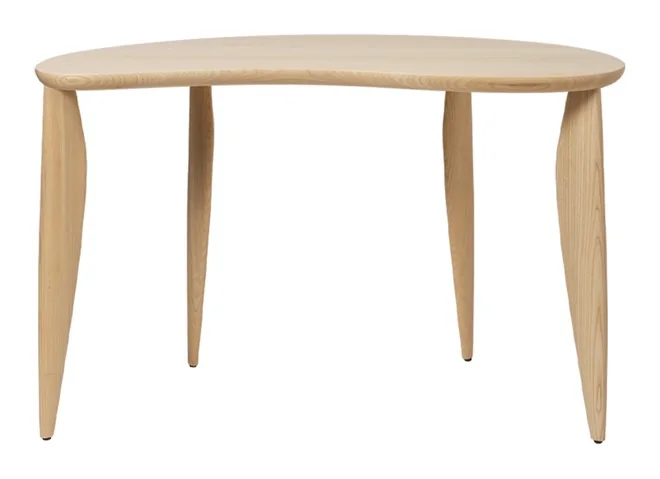 | OP-01 Desk in ash | 1 | ferm LIVING | Model: Feve Desk - Natural Ash | W 117 x D 60 x H 73 cm | approx. 10 weeks (assumed) | 11,478 | Quantity approx. (assumed): 1, as the concept shows the piece. The concept's own piece, from its own maker. Page price from EUR 1,289 incl. VAT, Riksbank rate SEK 11.1310 per euro (2026-10-23). | https://www.fermliving.com/products/feve-desk-natural-ash |
| 15 | 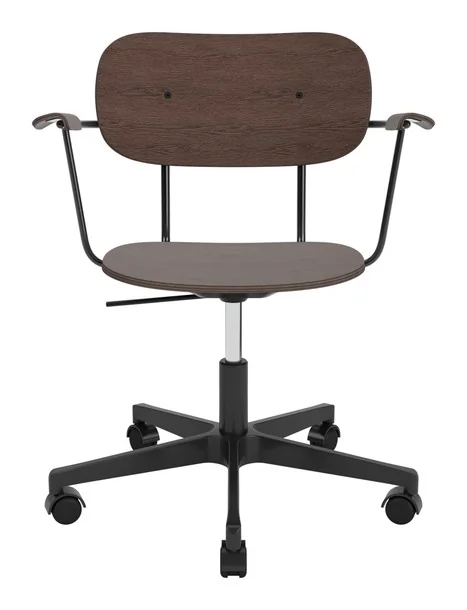 | OP-02 Chair | 28 | Audo Copenhagen | Model: Co Task Chair, Veneer | D 40.5 cm | approx. 12 weeks (assumed) | 6,340 | Quantity approx. (assumed): approx. 28 seats (by the brief), shared over 1 seating pieces. The concept's own piece, from its own maker. Page price from SEK 7,925 incl. VAT. Fabric is settled in the quote: ask the maker for Martindale and the fire class for public spaces. | https://www.audocph.com/products/co-task-chair-seat-upholstered-w-armrest-black-base |
| 16 | 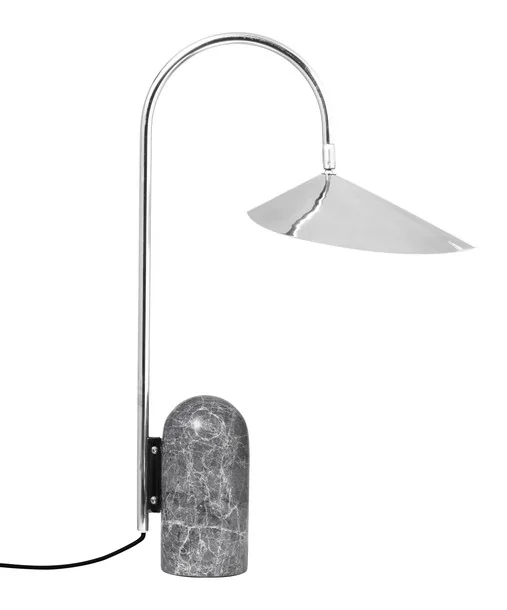 | OP-03 Table lamp on the desk in steel | 1 | ferm LIVING | Model: Arum Table Lamp - Stainless Steel | W 20.5 x D 34 x H 53 cm | approx. 10 weeks (assumed) | 3,820 | Quantity approx. (assumed): 1, as the concept shows the piece. The concept's own piece, from its own maker. Page price from EUR 429 incl. VAT, Riksbank rate SEK 11.1310 per euro (2026-10-23). | https://www.fermliving.com/products/arum-table-lamp-stainless-steel |
| 17 | 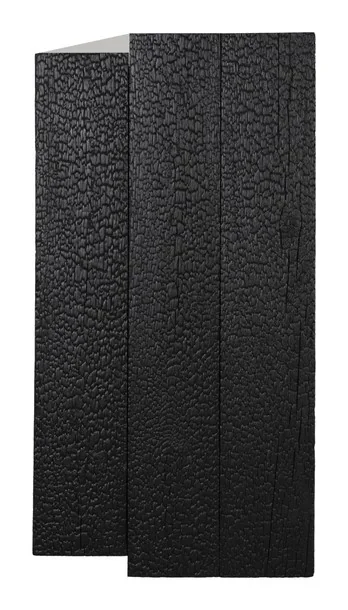 | OP-04 Cabinet | 1 | ferm LIVING | Model: Koh Wall Cabinet - Black | W 43.5 x D 27.5 x H 81.4 cm | approx. 10 weeks (assumed) | 7,827 | Quantity approx. (assumed): 1, as the concept shows the piece. The concept's own piece, from its own maker. Page price EUR 879 incl. VAT, Riksbank rate SEK 11.1310 per euro (2026-10-23). | https://www.fermliving.com/products/koh-wall-cabinet-black |
| 18 | 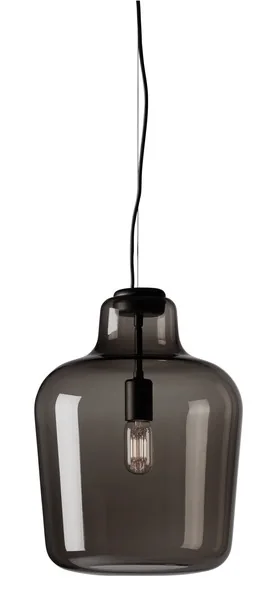 | OP-05 Pendant | 1 | Northern | Model: Say My Name pendellampe | approx. 8 weeks (assumed) | 10,392 | Quantity approx. (assumed): at least 1, as the concept shows the piece; it is counted per table, window or seat and the brief gives none, to check. The concept's own piece, from its own maker. Page price SEK 12,990 incl. VAT. | https://www.northern.no/products/say-my-name-pendant-lamp | |
| 19 | 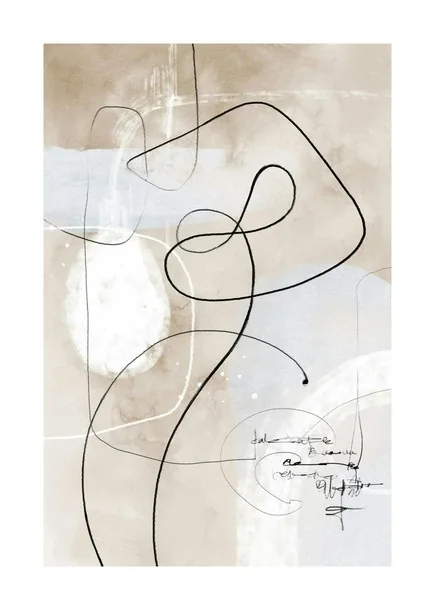 | OP-06 Art | 1 | Posterstore | Model: Poster med abstrakt konst i beige och ljusblått med svarta organiska linjer och vita penseldrag. | approx. 8 weeks (assumed) | quote | Quantity approx. (assumed): 1, as the concept shows the piece. The concept's own piece, from its own maker. The page's price could not be read: ask the maker for a quote. | https://posterstore.se/p/tavlor-posters/abstract/abstrakt-konst-no1-poster | |
| 20 | ||||||||||
| 21 | Area: Meeting room large | |||||||||
| 22 | Image | Item | Qty | Supplier | Product / Finish | Size | Lead time | Price ex VAT (SEK) | Notes | Link |
| 23 | 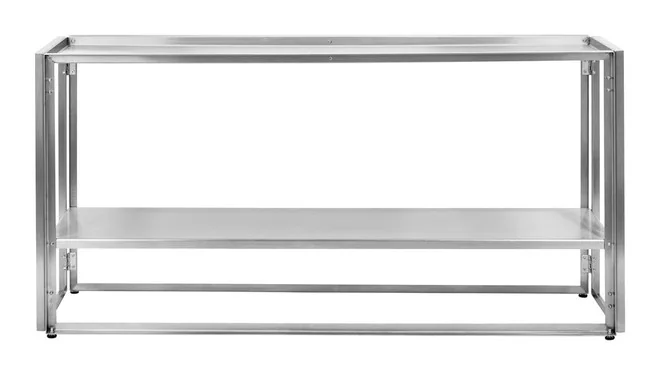 | ME-01 Console table | 1 | Kristina Dam Studio | Model: Foldable Console Table | W 124 x D 35 x H 60 cm | approx. 10 weeks (assumed) | 10,597 | Quantity approx. (assumed): 1, as the concept shows the piece. The concept's own piece, from its own maker. Page price EUR 1,190 incl. VAT, Riksbank rate SEK 11.1310 per euro (2026-10-23). | https://www.kristinadam.dk/products/127500120 |
| 24 | 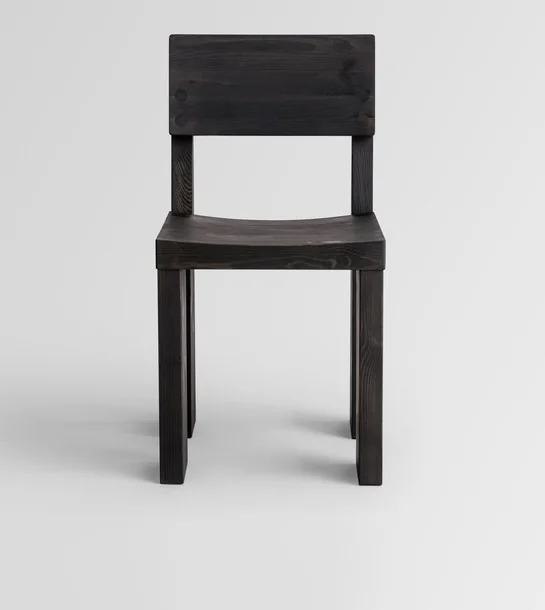 | ME-02 Chair | 5 | Vaarnii | Model: 001 Dining Chair Black | L 48 x W 41 x H 80 cm | approx. 12 weeks (assumed) | 5,680 | Quantity approx. (assumed): approx. 10 seats (by the brief), shared over 2 seating pieces. The concept's own piece, from its own maker. Page price SEK 7,100 incl. VAT. Fabric is settled in the quote: ask the maker for Martindale and the fire class for public spaces. | https://www.vaarnii.com/products/001-dining-chair-black |
| 25 | 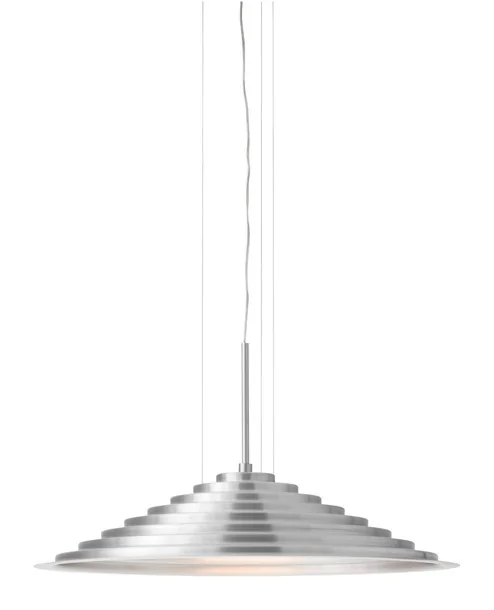 | ME-03 Ceiling lamp | 1 | Audo Copenhagen | Model: Chancery Pendant Lamp | Ø 75 x H 39 cm | approx. 12 weeks (assumed) | 8,035 | Quantity approx. (assumed): at least 1, as the concept shows the piece; it is counted per table, window or seat and the brief gives none, to check. The concept's own piece, from its own maker. Page price SEK 10,044 incl. VAT. | https://www.audocph.com/products/chancery-pendant-lamp |
| 26 |  | ME-04 Art on the panel | 1 | Posterstore | Model: En poster med texten ART HAS NO RULES i svart serif-typsnitt på en ljusbeige bakgrund. | approx. 8 weeks (assumed) | quote | Quantity approx. (assumed): 1, as the concept shows the piece. The concept's own piece, from its own maker. The page's price could not be read: ask the maker for a quote. | https://posterstore.se/p/tavlor-posters/illustrationer-abstrakt/infinity-lines-poster | |
| 27 | 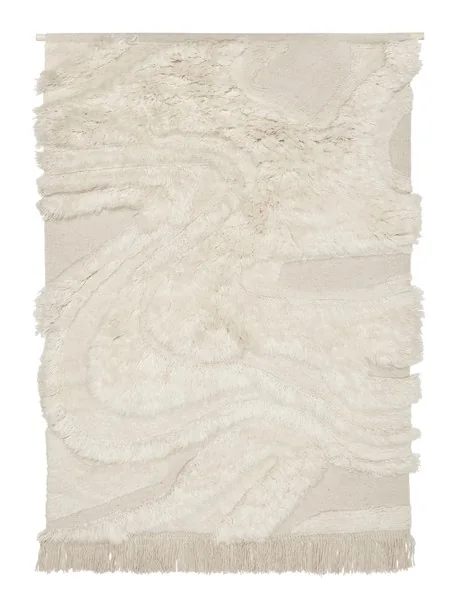 | ME-05 Rug | 1 | ferm LIVING | Model: Rime Wall Rug - Off-White | W 110 x D 4 x H 145 cm | approx. 10 weeks (assumed) | 2,395 | Quantity approx. (assumed): 1, as the concept shows the piece. The concept's own piece, from its own maker. Page price EUR 269 incl. VAT, Riksbank rate SEK 11.1310 per euro (2026-10-23). | https://www.fermliving.com/products/rime-wall-rug-110-x-145-off-white |
| 28 | 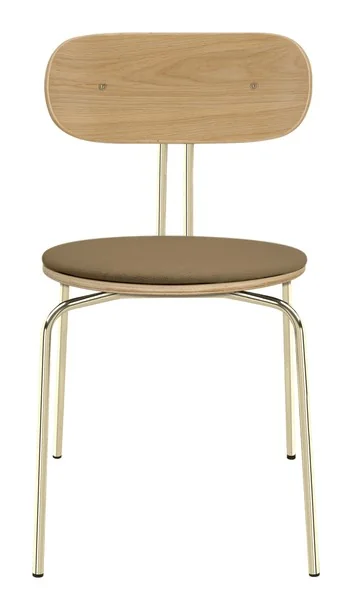 | ME-06 Chair | 5 | UMAGE | Model: Curious, dining chair | W 43 x D 48 x H 77.5 cm | approx. 12 weeks (assumed) | 2,199 | Quantity approx. (assumed): approx. 10 seats (by the brief), shared over 2 seating pieces. The concept's own piece, from its own maker. Page price from SEK 2,749 incl. VAT. Fabric is settled in the quote: ask the maker for Martindale and the fire class for public spaces. | https://www.umage.com/products/curious-dining-chair |
| A | B | C | D | E | F | G | H | I | J | K | L | |
|---|---|---|---|---|---|---|---|---|---|---|---|---|
| 1 | Budget Sample Freight office | |||||||||||
| 2 | From FF&E schedule Sample Freight office.xlsx (the FF&E schedule). All amounts in SEK ex VAT. Prices and quantities are the schedule's own cells, totals are formulas. | |||||||||||
| 3 | Shop price incl. Swedish VAT × 0.8 = ex VAT (25 % taken off, not a discount; a row at 12 % or 6 % is divided by 1.12 or 1.06). Prices are ex VAT; VAT 25 % comes on top. | |||||||||||
| 4 | Area: Reception | |||||||||||
| 5 | Item | Qty | Supplier | Product / Finish | Size | Lead time | Price ex VAT (SEK) | Line total | Status | Note | Unit | Code |
| 6 | Reception desk | 1 | Built-in joinery, drawn to the concept | quote | Not asked | pcs | RE-01 | |||||
| 7 | RE-01 Console table | 1 | Dusty Deco | Model: Hexagon Console Table Albanian Grey | W 120 x D 40 x H 76 cm | approx. 10 weeks (assumed) | 28,000 | 28,000 | Web list price | Quantity approx. (assumed): 1, as the concept shows the piece. The concept's own piece, from its own maker. Page price SEK 35,000 incl. VAT. | pcs | RE-01 |
| 8 | RE-02 Armchair | 1 | Vaarnii | Model: 016 Maasto Dining Armchair Black Files | approx. 12 weeks (assumed) | quote | Not asked | Quantity approx. (assumed): approx. 4 seats (by the brief), shared over 3 seating pieces. The concept's own piece, from its own maker. | pcs | RE-02 | ||
| 9 | RE-03 Pouf | 1 | Audo Copenhagen | Model: Passage Pouf | D 90 x Ø 98.5 x H 38 cm | approx. 12 weeks (assumed) | 14,740 | 14,740 | Web list price | Quantity approx. (assumed): approx. 4 seats (by the brief), shared over 3 seating pieces. The concept's own piece, from its own maker. Page price from SEK 18,425 incl. VAT. | pcs | RE-03 |
| 10 | RE-04 Floor lamp by the armchair | 1 | Audo Copenhagen | Model: Wing Floor Lamp | D 48 x Ø 27 x H 112.5 cm | approx. 12 weeks (assumed) | 6,122 | 6,122 | Web list price | Quantity approx. (assumed): 1, as the concept shows the piece. The concept's own piece, from its own maker. Page price SEK 7,652 incl. VAT. | pcs | RE-04 |
| 11 | RE-05 Chair | 1 | Audo Copenhagen | Model: Harbour Side Dining Chair, Polished Aluminium Star Base | W 50 x D 54 x H 82 cm, SH 48 | approx. 12 weeks (assumed) | 7,164 | 7,164 | Web list price | Quantity approx. (assumed): approx. 4 seats (by the brief), shared over 3 seating pieces. The concept's own piece, from its own maker. Page price from SEK 8,955 incl. VAT. | pcs | RE-05 |
| 12 | RE-06 Vase | 1 | ferm LIVING | Model: Dedali Floor Vase - Off-White | W 36 x D 34.5 x H 50 cm | approx. 10 weeks (assumed) | 3,553 | 3,553 | Web list price | Quantity approx. (assumed): 1, as the concept shows the piece. The concept's own piece, from its own maker. | pcs | RE-06 |
| 13 | Total Reception ex VAT | 59,579 | ||||||||||
| 14 | ||||||||||||
| 15 | Area: Open office | |||||||||||
| 16 | Item | Qty | Supplier | Product / Finish | Size | Lead time | Price ex VAT (SEK) | Line total | Status | Note | Unit | Code |
| 17 | OP-01 Desk in ash | 1 | ferm LIVING | Model: Feve Desk - Natural Ash | W 117 x D 60 x H 73 cm | approx. 10 weeks (assumed) | 11,478 | 11,478 | Web list price | Quantity approx. (assumed): 1, as the concept shows the piece. The concept's own piece, from its own maker. | pcs | OP-01 |
| 18 | OP-02 Chair | 28 | Audo Copenhagen | Model: Co Task Chair, Veneer | D 40.5 cm | approx. 12 weeks (assumed) | 6,340 | 177,520 | Web list price | Quantity approx. (assumed): approx. 28 seats (by the brief), shared over 1 seating pieces. The concept's own piece, from its own maker. Page price from SEK 7,925 incl. VAT. | pcs | OP-02 |
| 19 | OP-03 Table lamp on the desk in steel | 1 | ferm LIVING | Model: Arum Table Lamp - Stainless Steel | W 20.5 x D 34 x H 53 cm | approx. 10 weeks (assumed) | 3,820 | 3,820 | Web list price | Quantity approx. (assumed): 1, as the concept shows the piece. The concept's own piece, from its own maker. | pcs | OP-03 |
| 20 | OP-04 Cabinet | 1 | ferm LIVING | Model: Koh Wall Cabinet - Black | W 43.5 x D 27.5 x H 81.4 cm | approx. 10 weeks (assumed) | 7,827 | 7,827 | Web list price | Quantity approx. (assumed): 1, as the concept shows the piece. The concept's own piece, from its own maker. | pcs | OP-04 |
| 21 | OP-05 Pendant | 1 | Northern | Model: Say My Name pendellampe | approx. 8 weeks (assumed) | 10,392 | 10,392 | Web list price | Quantity approx. (assumed): at least 1, as the concept shows the piece; it is counted per table, window or seat and the brief gives none, to check. | pcs | OP-05 | |
| 22 | OP-06 Art | 1 | Posterstore | Model: Poster med abstrakt konst i beige och ljusblått med svarta organiska linjer och vita penseldrag. | approx. 8 weeks (assumed) | quote | Not asked | Quantity approx. (assumed): 1, as the concept shows the piece. The concept's own piece, from its own maker. The page's price could not be read: ask the maker for a quote. | pcs | OP-06 | ||
| 23 | Total Open office ex VAT | 211,037 | ||||||||||
| 24 | ||||||||||||
| 25 | Area: Meeting room large | |||||||||||
| 26 | Item | Qty | Supplier | Product / Finish | Size | Lead time | Price ex VAT (SEK) | Line total | Status | Note | Unit | Code |
| 27 | ME-01 Console table | 1 | Kristina Dam Studio | Model: Foldable Console Table | W 124 x D 35 x H 60 cm | approx. 10 weeks (assumed) | 10,597 | 10,597 | Web list price | Quantity approx. (assumed): 1, as the concept shows the piece. The concept's own piece, from its own maker. | pcs | ME-01 |
| 28 | ME-02 Chair | 5 | Vaarnii | Model: 001 Dining Chair Black | L 48 x W 41 x H 80 cm | approx. 12 weeks (assumed) | 5,680 | 28,400 | Web list price | Quantity approx. (assumed): approx. 10 seats (by the brief), shared over 2 seating pieces. The concept's own piece, from its own maker. Page price SEK 7,100 incl. VAT. | pcs | ME-02 |
| A | B | C | D | E | F | G | H | I | J | K | L | M | N | O | P | Q | R | S | T | U | V | W | X | Y | Z | |
|---|---|---|---|---|---|---|---|---|---|---|---|---|---|---|---|---|---|---|---|---|---|---|---|---|---|---|
| 1 | Programme Sample Freight office | Prepared by | Date | 2026-10-26 | Rev. | A | ||||||||||||||||||||
| 2 | · Opening 2027-05-03 (W18) (assumed) | |||||||||||||||||||||||||
| 3 | Room / area | Activity | Weeks | W49 | W50 | W51 | W52 | W53 | W1 | W2 | W3 | W4 | W5 | W6 | W7 | W8 | W9 | W10 | W11 | W12 | W13 | W14 | W15 | W16 | W17 | W18 |
| 4 | 30/11 | 7/12 | 14/12 | 21/12 | 28/12 | 4/1 | 11/1 | 18/1 | 25/1 | 1/2 | 8/2 | 15/2 | 22/2 | 1/3 | 8/3 | 15/3 | 22/3 | 29/3 | 5/4 | 12/4 | 19/4 | 26/4 | 3/5 | |||
| 5 | All areas | Concept and FF&E schedule approved | 1 | APP | ||||||||||||||||||||||
| 6 | All areas | Order Audo Copenhagen (12 wk) | 1 | ORD | ||||||||||||||||||||||
| 7 | All areas | Order Vaarnii (12 wk) | 1 | ORD | ||||||||||||||||||||||
| 8 | All areas | Order Dusty Deco (10 wk) | 1 | ORD | ||||||||||||||||||||||
| 9 | All areas | Order ferm LIVING (10 wk) | 1 | ORD | ||||||||||||||||||||||
| 10 | All areas | Order UMAGE (12 wk) | 1 | ORD | ||||||||||||||||||||||
| 11 | All areas | Order NORR11 (12 wk) | 1 | ORD | ||||||||||||||||||||||
| 12 | All areas | Order Sika-Design (12 wk) | 1 | ORD | ||||||||||||||||||||||
| 13 | All areas | Order 101 Copenhagen (12 wk) | 1 | ORD | ||||||||||||||||||||||
| 14 | All areas | Order Kristina Dam Studio (10 wk) | 1 | ORD | ||||||||||||||||||||||
| 15 | All areas | Order Massproductions (12 wk) | 1 | ORD | ||||||||||||||||||||||
| 16 | All areas | Order FRAMA (12 wk) | 1 | ORD | ||||||||||||||||||||||
| 17 | All areas | Order Northern (8 wk) | 1 | ORD | ||||||||||||||||||||||
| 18 | All areas | Order Posterstore (8 wk) | 1 | ORD | ||||||||||||||||||||||
| 19 | All areas | Order Desenio (8 wk) | 1 | ORD | ||||||||||||||||||||||
| 20 | All areas | Order The Poster Club (8 wk) | 1 | ORD | ||||||||||||||||||||||
| 21 | All areas | Delivery Audo Copenhagen | 1 | DEL | ||||||||||||||||||||||
| 22 | All areas | Delivery Vaarnii | 1 | DEL | ||||||||||||||||||||||
| 23 | All areas | Delivery Dusty Deco | 1 | DEL | ||||||||||||||||||||||
| 24 | All areas | Delivery ferm LIVING | 1 | DEL | ||||||||||||||||||||||
| 25 | All areas | Delivery UMAGE | 1 | DEL | ||||||||||||||||||||||
| 26 | All areas | Delivery NORR11 | 1 | DEL | ||||||||||||||||||||||
| 27 | All areas | Delivery Sika-Design | 1 | DEL | ||||||||||||||||||||||
| 28 | All areas | Delivery 101 Copenhagen | 1 | DEL | ||||||||||||||||||||||
| A | B | C | D | E | F | G | H | I | J | K | |
|---|---|---|---|---|---|---|---|---|---|---|---|
| 1 | Request for quotation | ||||||||||
| 2 | |||||||||||
| 3 | Project | Sample Freight office | |||||||||
| 4 | To | 101 Copenhagen | |||||||||
| 5 | Supplier's org. no. | ||||||||||
| 6 | From | [Buyer's name, email and phone] | |||||||||
| 7 | Date | 2026-10-26 | |||||||||
| 8 | Quote reference | RFQ-261026-01 | |||||||||
| 9 | Questions by | 2026-11-06 | |||||||||
| 10 | Reply by | 2026-11-16 | |||||||||
| 11 | Quote valid | 90 days from the reply date | |||||||||
| 12 | Prices | SEK ex VAT; freight and assembly as rows of their own | |||||||||
| 13 | Delivery address | [Delivery address] | |||||||||
| 14 | Delivery wanted | [Week, as per the programme] | |||||||||
| 15 | |||||||||||
| 16 | Item | Area | Description | Product / Finish | Size | Qty | Unit | Unit price ex VAT | Total ex VAT | Lead time (weeks) | Deviation |
| 17 | 1 | Phone booths | PH-02 Armchair | Model: Toe Armchair, Flat - Off White | L 93 x W 92 x H 75 cm | 1 | pcs | 0 | |||
| 18 | Freight | 1 | pcs | 0 | Enter 0 if it is included in the prices | ||||||
| 19 | Assembly | 1 | pcs | 0 | Enter 0 if it is included in the prices | ||||||
| 20 | Quote total ex VAT | 0 | |||||||||
| 21 | |||||||||||
| 22 | For the supplier: signature | Date | |||||||||
| 23 | |||||||||||
| 24 | Name in capitals |
Your files in, finished files out
-
Drop in your project
-
Pick a workflow
-
Get finished files back
Made in Nodejam
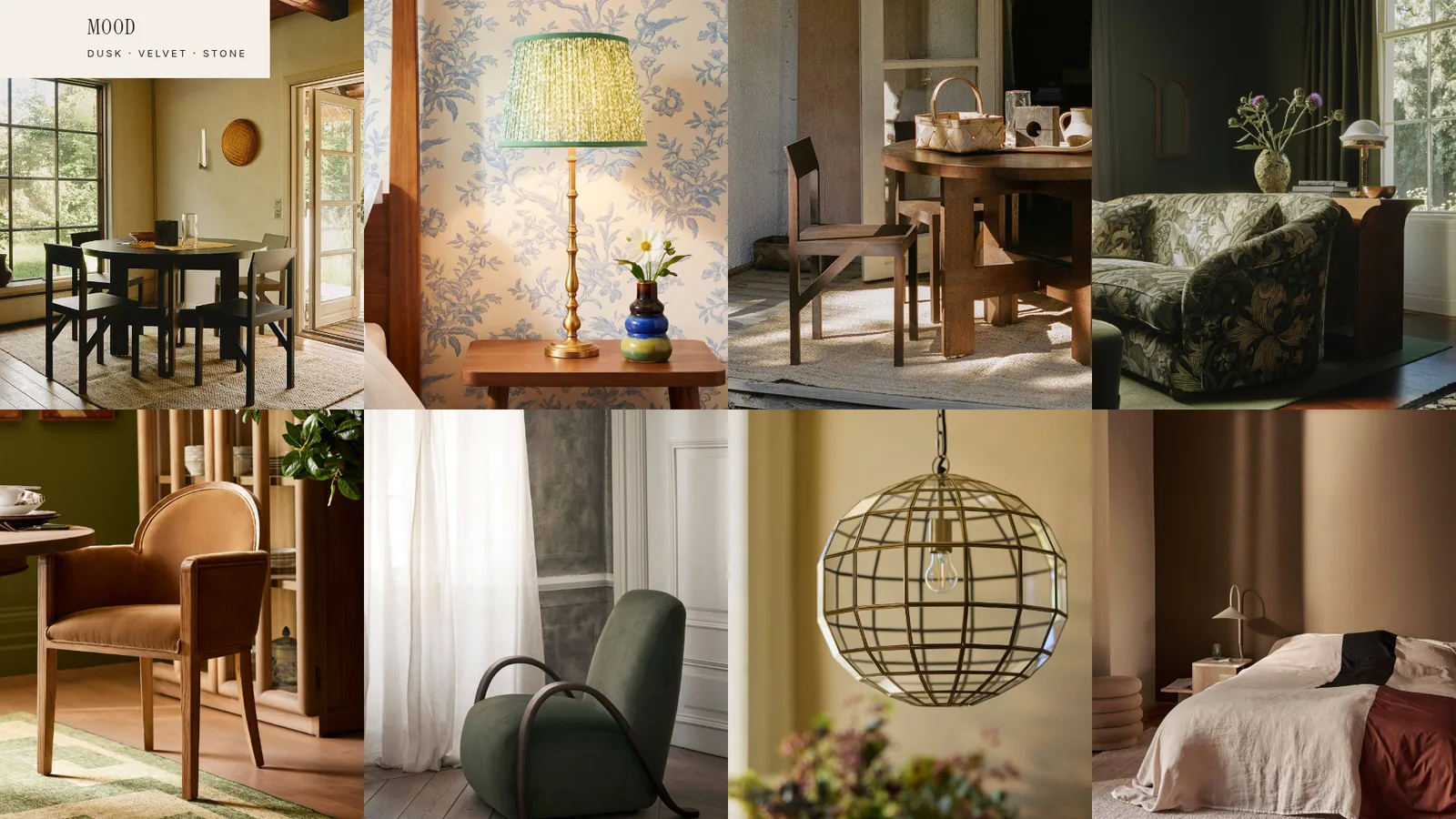
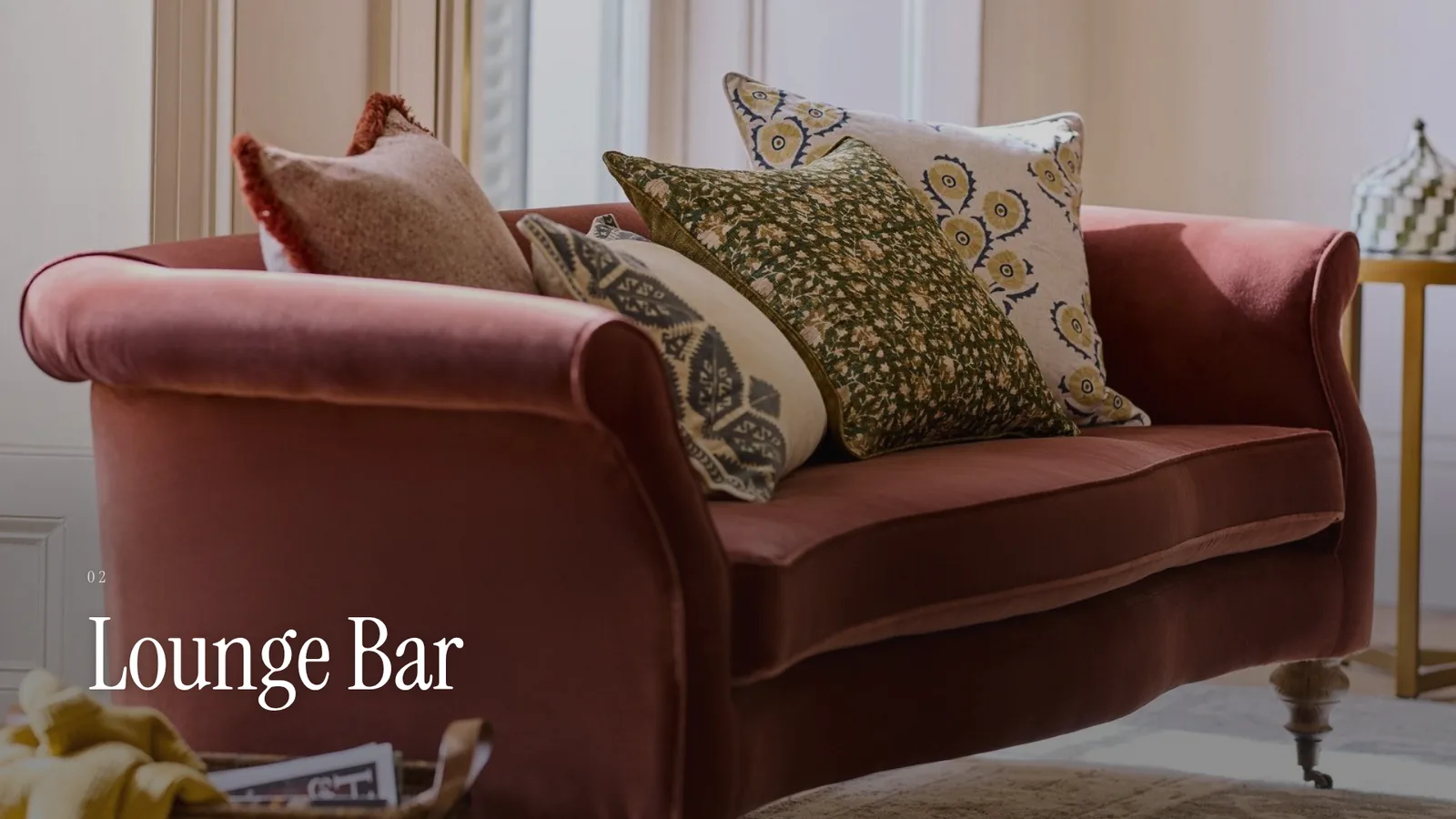
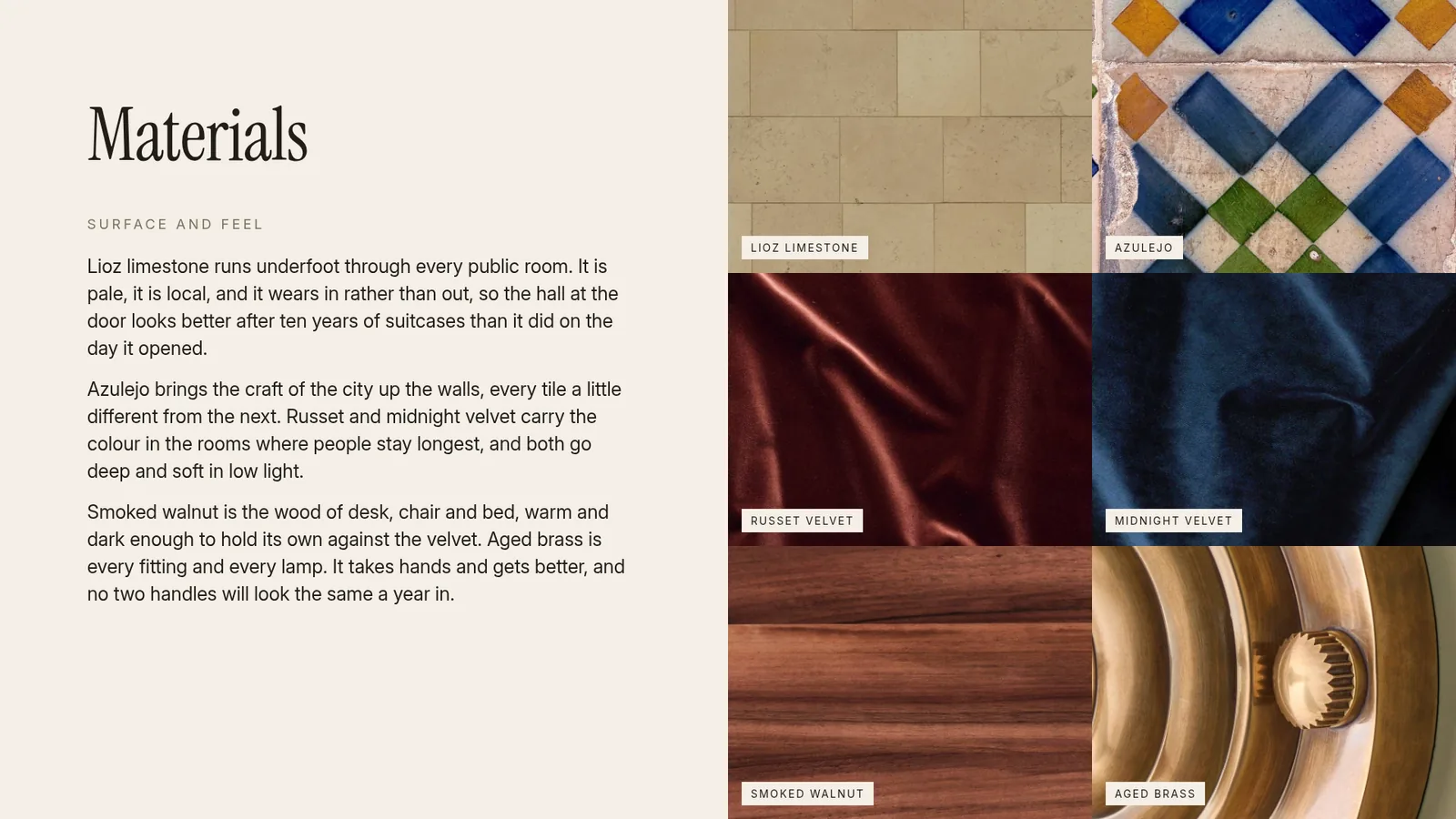

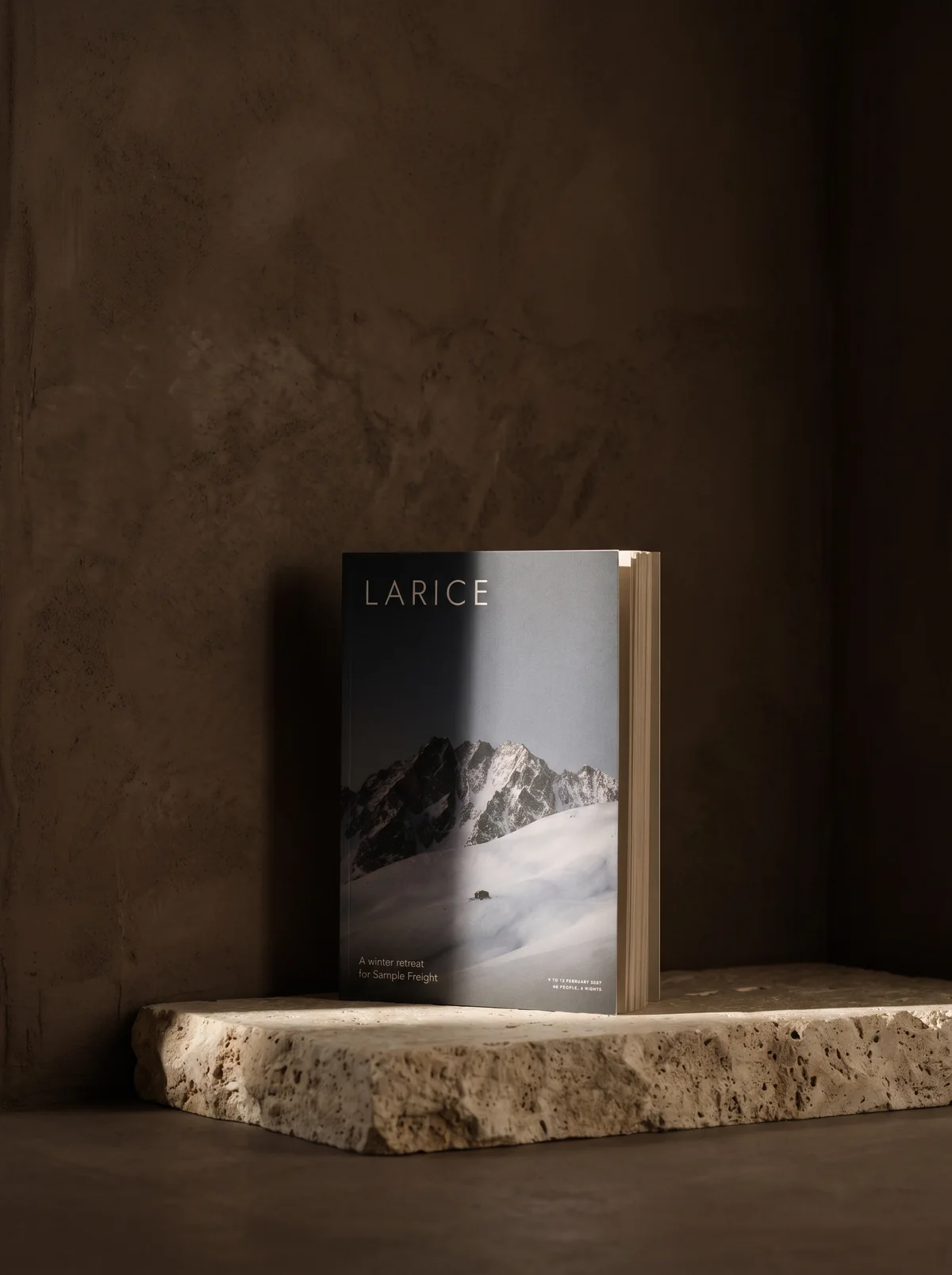
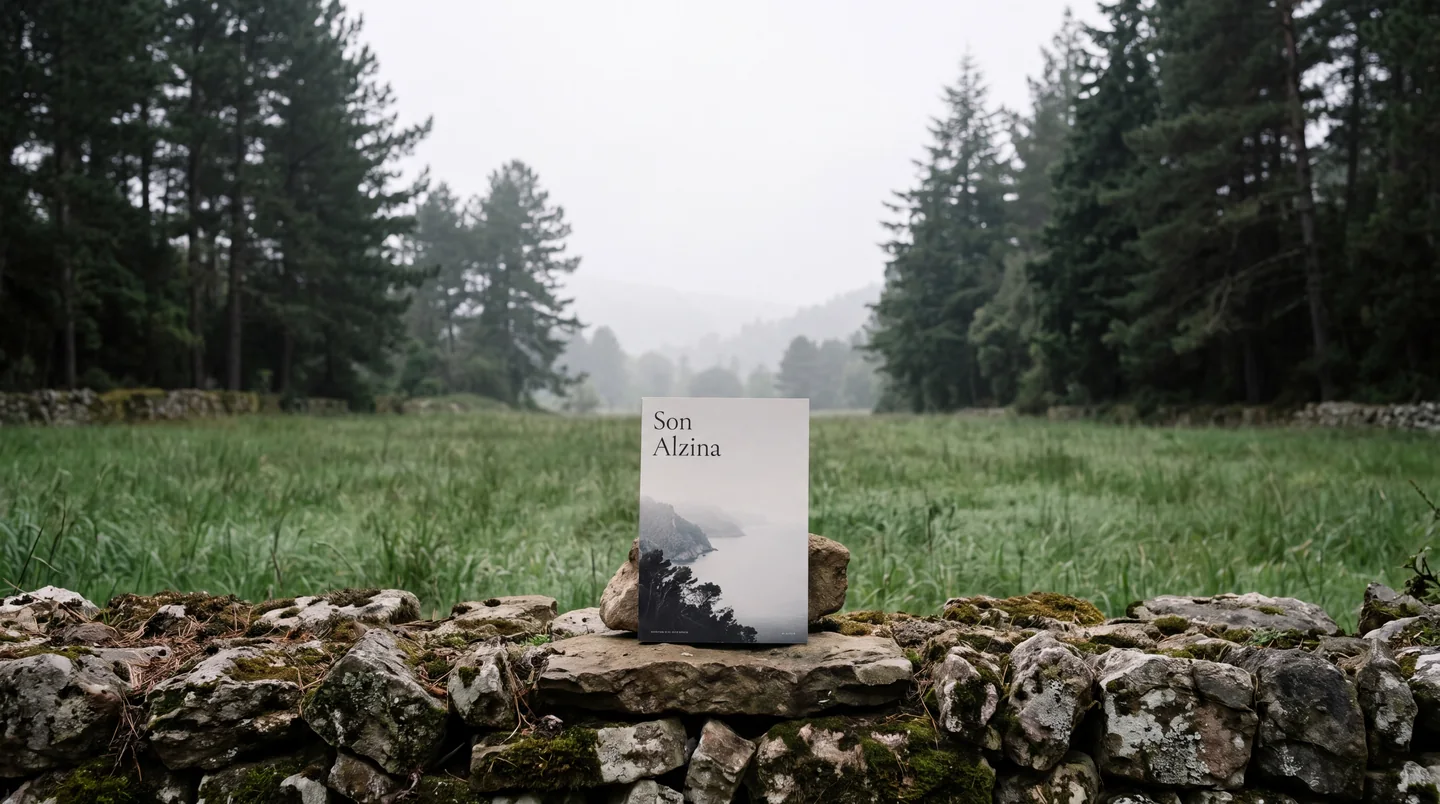
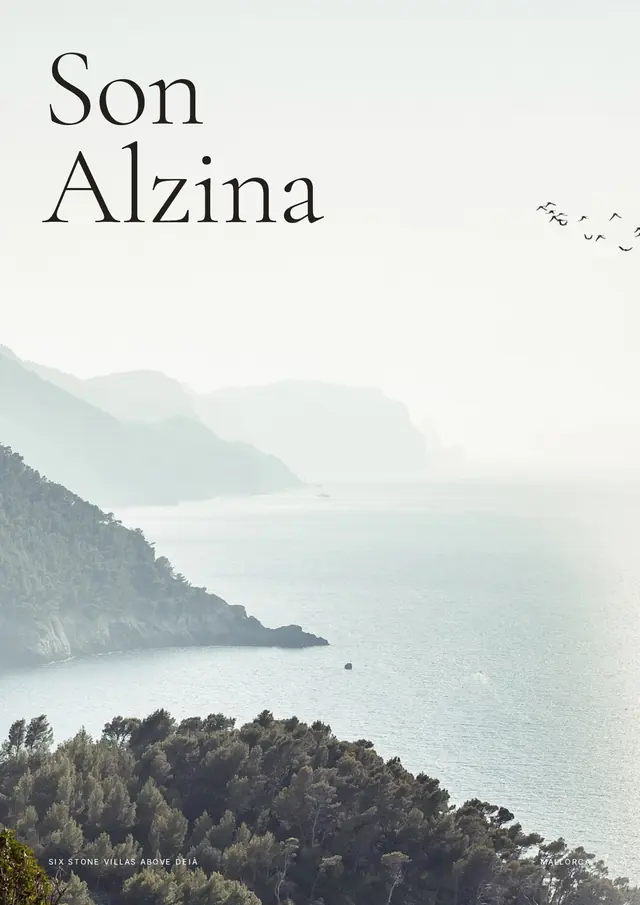
Sales packsSon Alzina, 16 pages
Built for hospitality, interiors and real estate
-
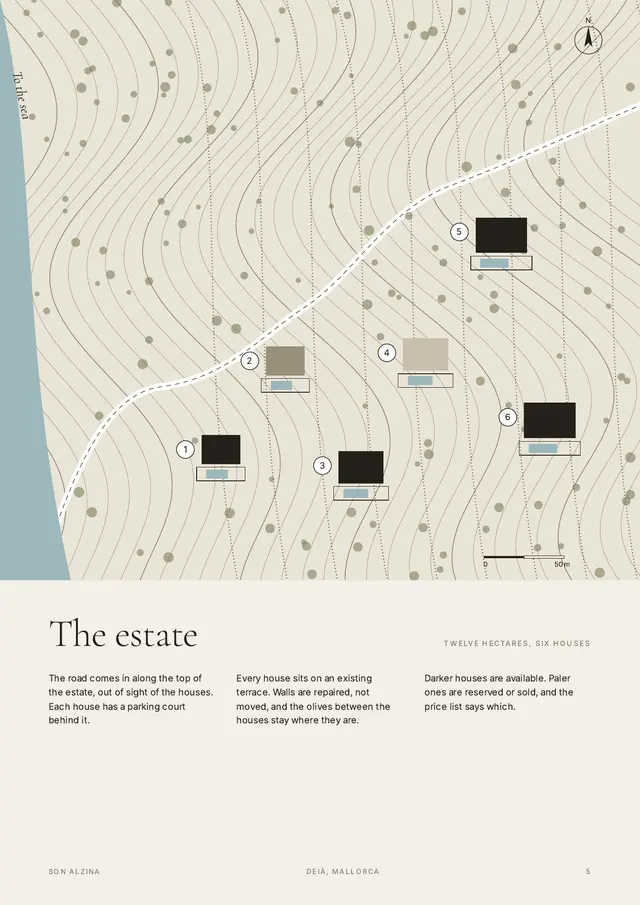
Villas
Brochures, price lists and yields.
-
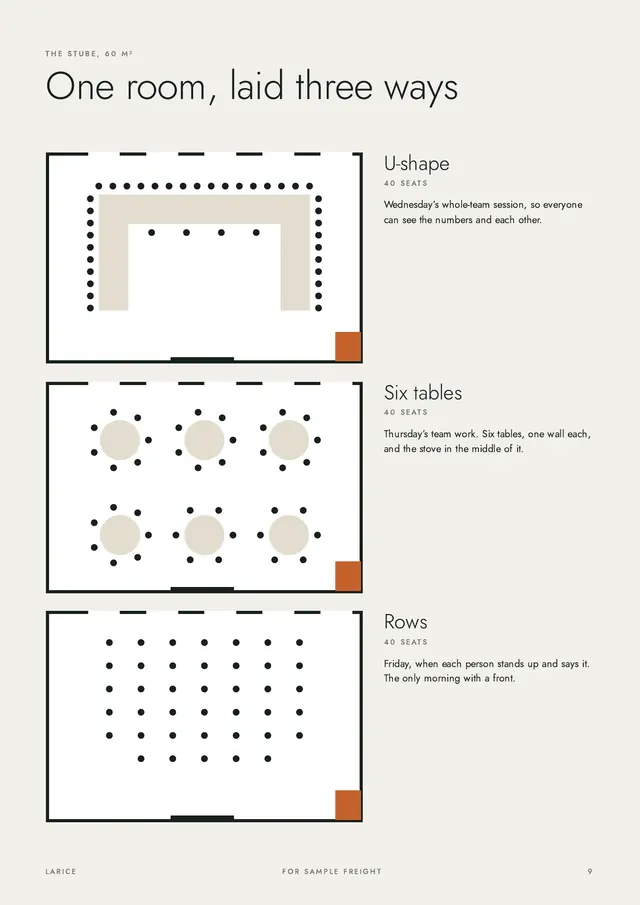
Events
Proposals and quotes.
-
Interiors
A concept, room by room.
-
Offices
Concept decks and FF&E schedules.
-
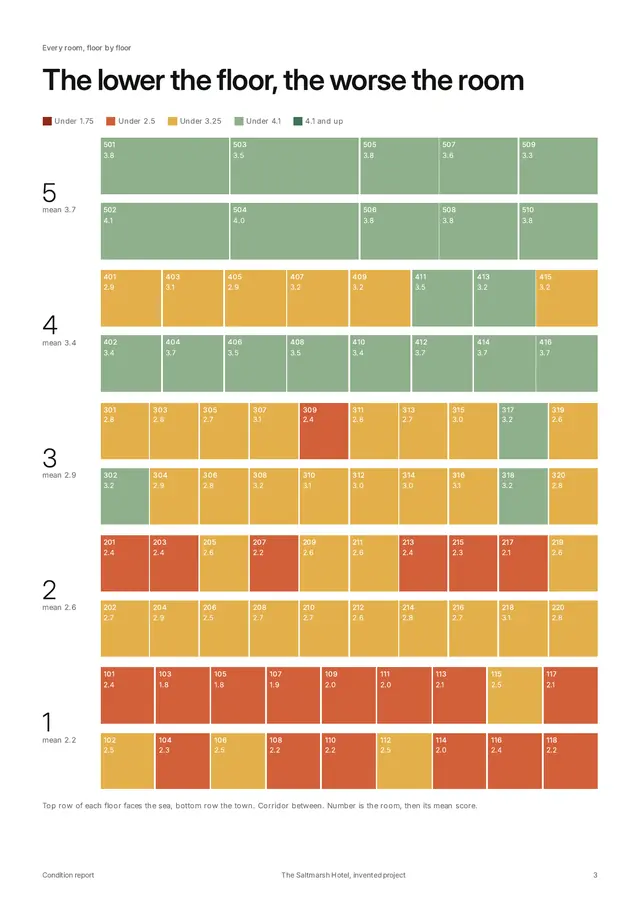
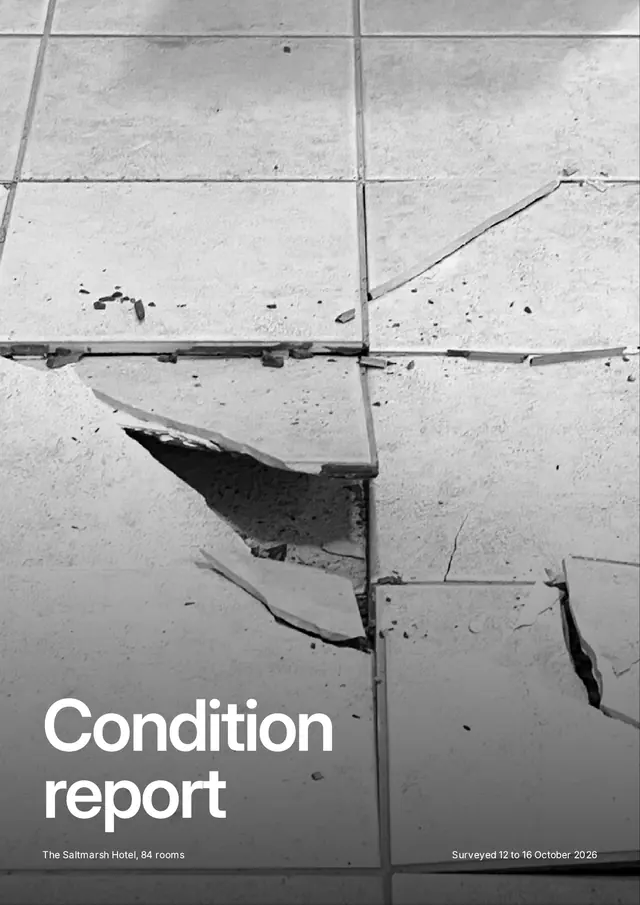
Hotels
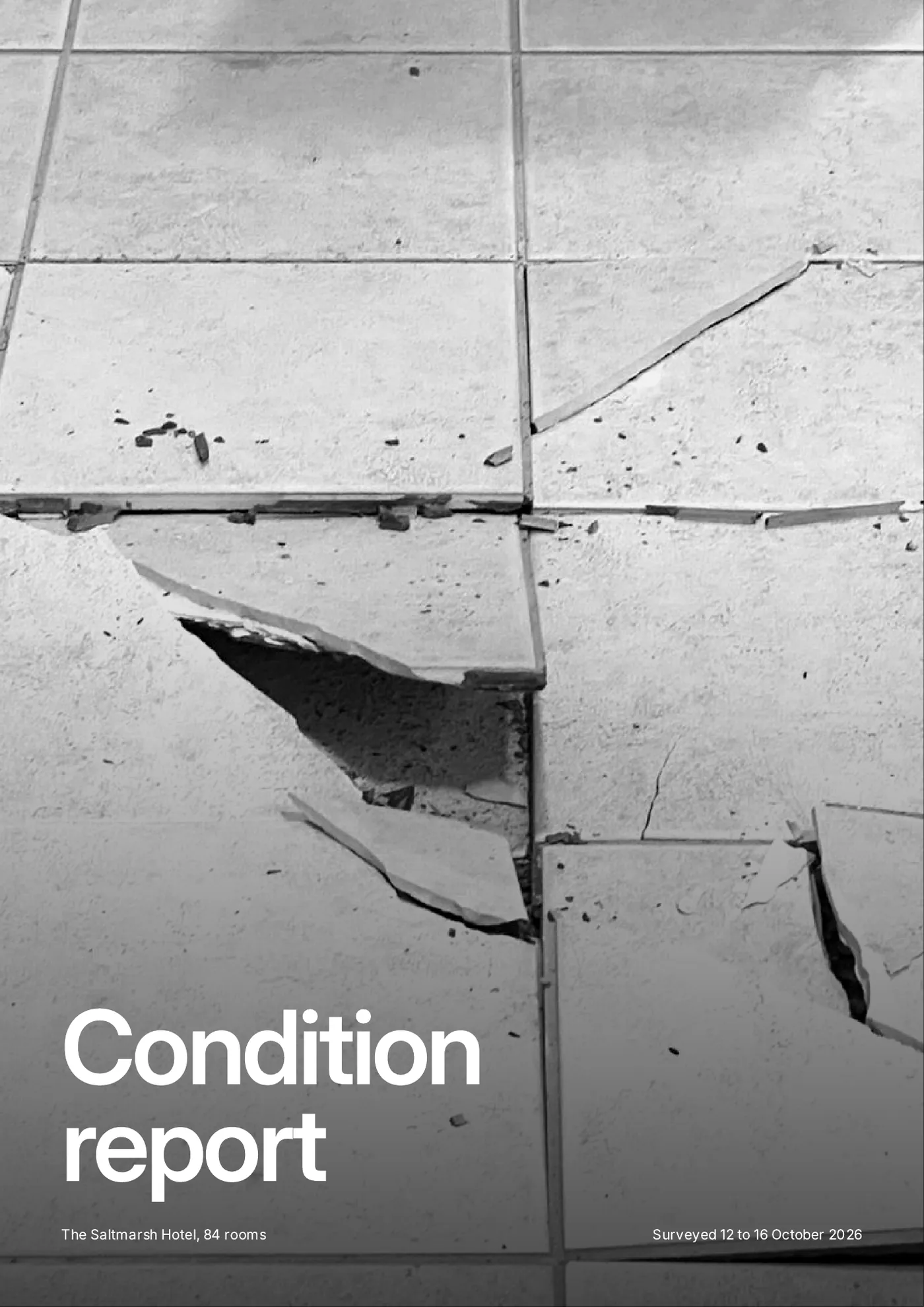
Condition reports and handovers.
-
Rentals
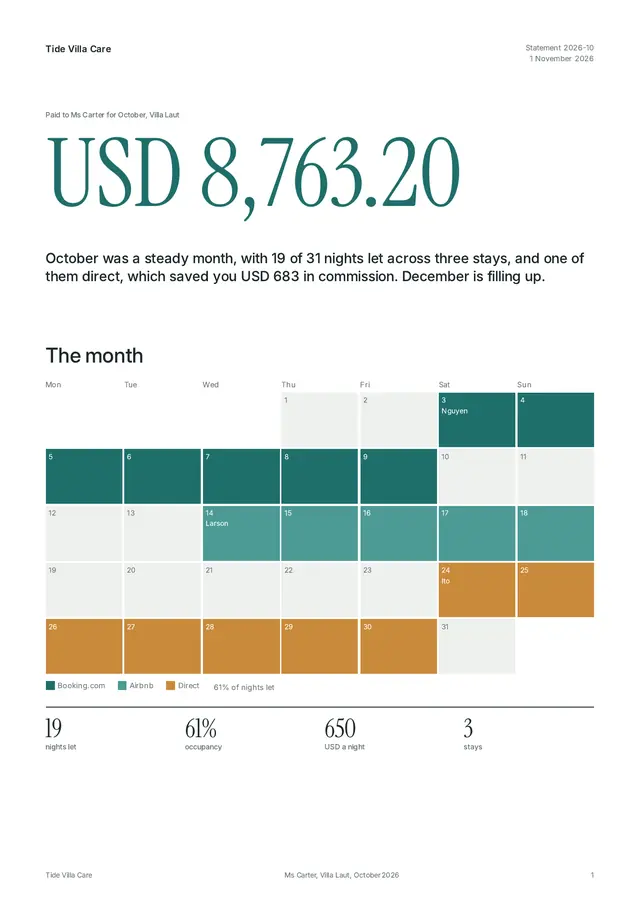
Owner statements.
What each workflow makes
Your team checks what is marked, adds the final touches and sends. Anything a person needs to decide, such as a price nobody has quoted, is marked for your team to confirm.
-
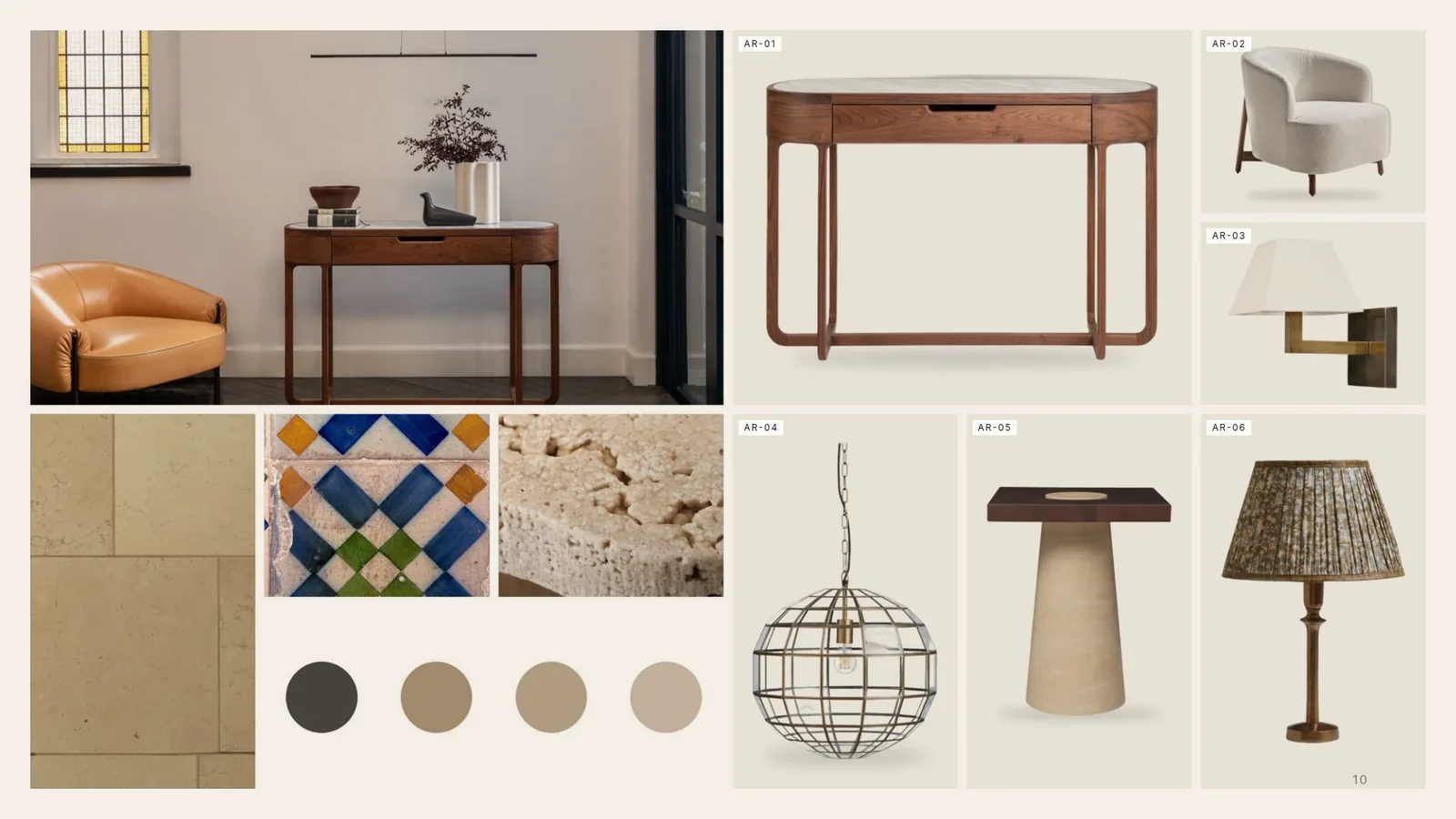
Interior design project
The brief, the room list, the drawings and makers’ sheets go in. The concept deck, the FF&E schedule, the budget, the programme and a request for quotation to each maker come back together, so a quantity in the schedule is the same in the budget and the request.
-
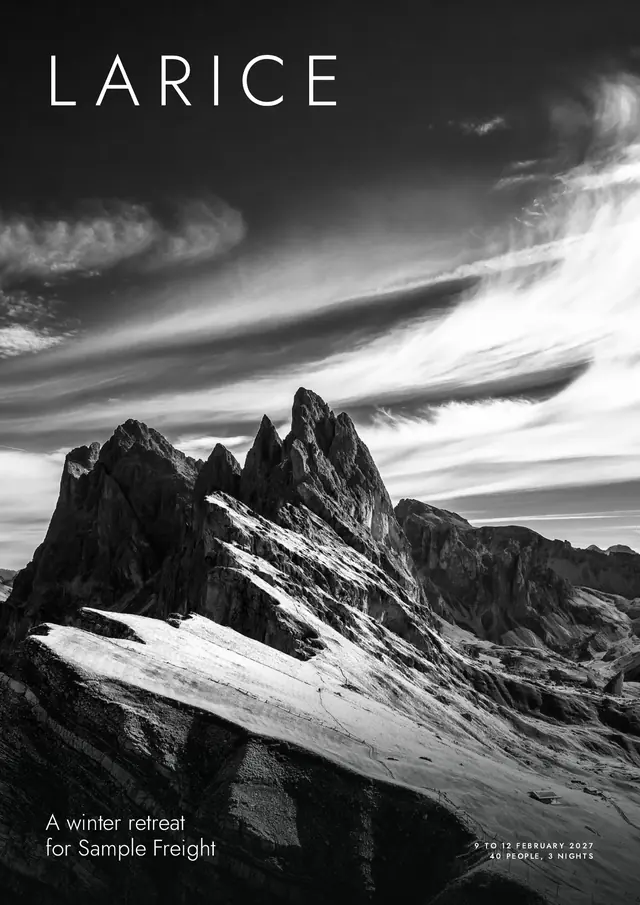
Group and event proposal
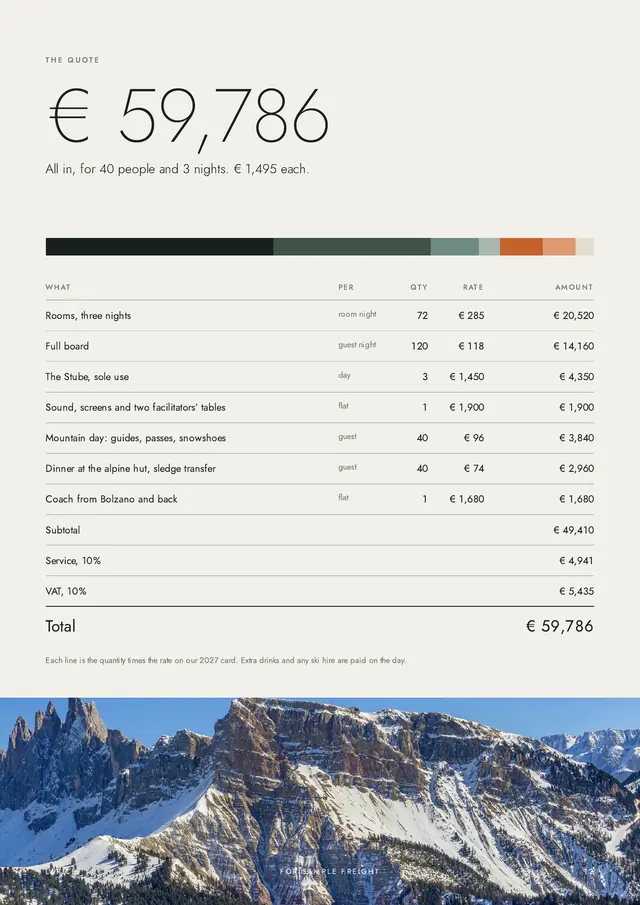
An enquiry for a wedding, an offsite or a group stay, and your house rate card, go in. A priced proposal with the rooms, the dinners and the itinerary comes back with its quote, in your own look.
-
Owner report
The month’s bookings and costs for a rental programme go in. Each owner’s statement comes back, with income, costs, fees and the payout traced to the booking or invoice they came from.
-
Sales pack
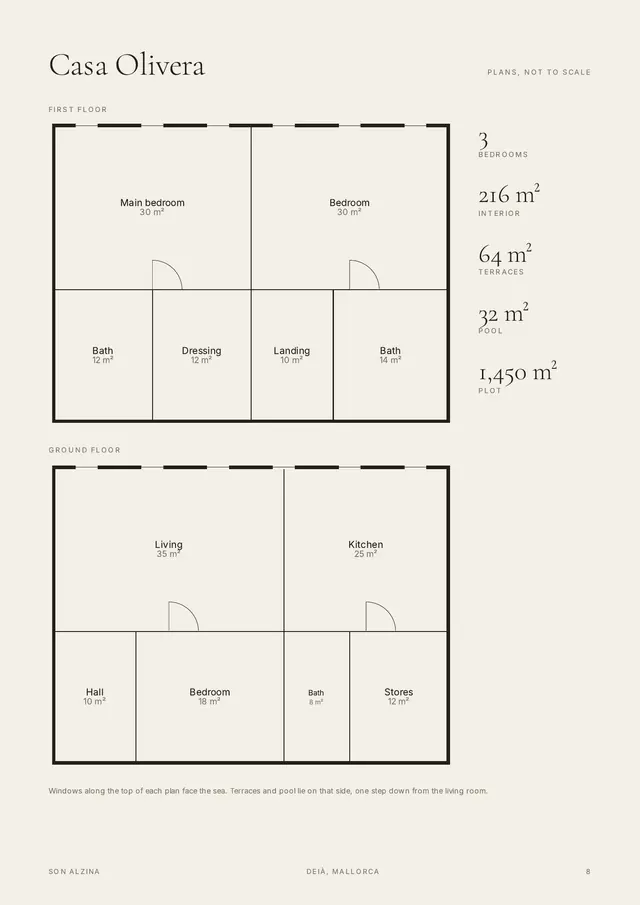
A development’s price list, plans and pictures go in. The brochure, the price list and the yield projection come back, made from the same numbers.
Guides, templates and the glossary · Alongside your FF&E tool
Works with the tools you already use
Email, calendars, files, project tools and CRM